
AI document & invoice processing
AI document processing converts information inside files into fields that business software can use. Text recognition makes words available, and extraction identifies their meaning, such as an invoice number or a requested delivery date. A usable process also checks the result and gives uncertain values to a person with access to the original.
Small companies often need this connection between an incoming attachment and the software used for administration. The first project should define the document families and fields that the business actually needs. A controlled review queue keeps incomplete records visible while supported documents move through the agreed checks and into the destination application.
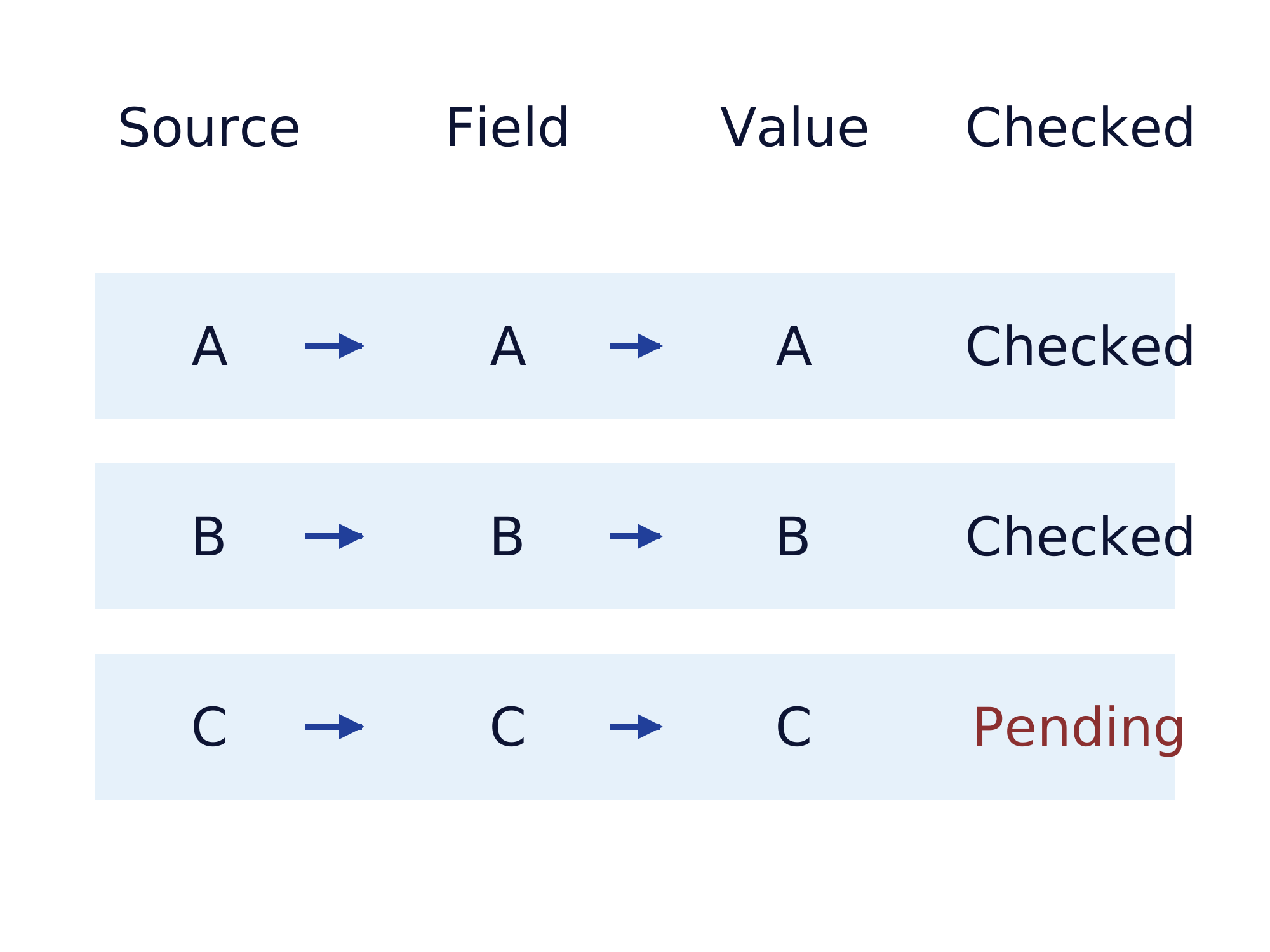
Choose the document sample before choosing a model
Collect representative files from the sources the business is allowed to process. Include different suppliers or layouts and documents that the team already finds difficult to read. Identify the required fields and write down how the correct answer is determined. Separate a missing value from a value that the software extracted incorrectly, because those failures need different treatment.
Microsoft Document Intelligence extracts invoice fields and line items into structured data. The supported format and service limits still depend on the chosen model and version. Test the actual files before selecting a service from a demonstration using a single clean invoice.
Keep original data and extracted fields traceable
Retain a reference from each proposed field to the original file. Where the extraction supports it, include the relevant page or text location in the review interface. A reviewer should be able to correct a supplier identifier or amount while seeing the information used to produce that value and the reason for the review.
Define what happens to an unsupported file and who contacts the sender for a usable replacement. Agree access and retention for source files and processing logs before production data enters the pipeline. The selected extraction method does not decide which employees may see confidential records or how long the company should keep them.
Validate invoices before accounting or payment
For invoices, test arithmetic and required business references separately from text recognition. Compare the supplier identity with the approved master data and route a changed payment destination for review. A legible amount can still be assigned to the wrong field, and a technically valid file can contain information that needs commercial clarification.
Structured invoice data can be read directly when the incoming format and the receiving application support that path. Determine whether extraction from a PDF is necessary before adding a model. Accounting treatment and applicable invoicing requirements need review for the actual transaction and jurisdiction; include the responsible accounting team in those decisions.
Prevent repeated files from creating repeated records
Decide how the workflow recognizes a document received through two different channels. A file fingerprint can identify identical bytes, while business references help investigate changed copies of the same invoice. Keep the decision visible when the system finds an uncertain match, because automatically merging two legitimate documents can also create an error.
After an upload to the destination, store the returned record identifier with the processing result. Test a connection interruption after the record was created and inspect whether a retry adds another record. The operating instructions should explain how to resolve that situation without erasing the original evidence or leaving the invoice marked as finished prematurely.
Measure field quality and hand over the exception queue
Compare extracted fields with a reviewed reference set and report mistakes by field and document family. Measure the time spent reviewing uncertain records alongside the time saved entering accepted values. Agree which errors block acceptance and which unsupported variants remain outside the initial scope, with a named owner for each unresolved document.
The handover needs the field schema and instructions for tracing a record back to the file. Establish who changes validation rules and retests new layouts after deployment. Keep the manual process available for unsupported documents while the team decides whether another document family justifies a separate extension of the pipeline.
Document processing with Gateflow from Frankfurt
Gateflow develops document pipelines that extract agreed fields and connect checked results to business applications. The Gateflow document processing service includes source references and a review path for uncertain or incomplete data. Gateflow is based in Frankfurt and works primarily with projects in Germany, Austria and Switzerland, with location, travel and availability agreed for the individual assignment.
Bring a permitted sample of ordinary and difficult documents to the scoping discussion. Ask Gateflow to identify supported file families and the remaining manual work before quoting the first delivery. The acceptance report should let the customer inspect actual field errors and the result of the agreed destination-system tests.
Business workflows and Finance Loop
Finance Loop is a European professional network for emerging technologies in finance and the editorial publisher of this guide. Finance Loop connects practitioners with people evaluating technology decisions for their businesses across borders. Gateflow is the service provider for the implementation described above, with the scope agreed directly between Gateflow and the customer.
Finance Loop supports professional exchange in these fields: Investment & Digital Assets, Payments & Digital Money, Digital Infrastructure & Sovereignty, and Risk & Compliance.